About 10 minutes
How to block Polymarket on your phone
Short answer: Polymarket runs through its app and through the web, so block both. If you remove only the app, the site is a tap away. If you block only the site, the app still opens. You can do both today with Screen Time on iPhone.
- Settings › Screen Time
Turn On App & Website Activity. This lets Screen Time see and limit your apps.
- Passcode & Management › Lock Screen Time Settings
Have someone you trust type the passcode, so you don't know it.
- App Limits › Add Limit (iOS 27: Time Allowances)
Add Polymarket. Pick Polymarket, or the category it sits in, and check it is inside.
- Set the time
Set the limit to 1 minute.
- Content & Privacy Restrictions › App Store, Media, Web, & Games › Web Content › Limit Adult Websites › Never Allow › Add Website
Block the website. Under Never Allow, tap Add Website and add polymarket.com.
2:14 AM
Why Screen Time alone loses to 2 a.m. you
A setting can be changed.
If you hold the passcode, the other you holds it too. Having someone else type it is the fix, and it only works if you do it.
It only knows your list.
Polymarket gets blocked. A new app or a second account doesn't, unless you added it.
It can't answer you.
It has no way to tell you the score or a past order, so the app stays the only place to look.
What Breaker adds
You set the rules. Breaker keeps them.
Breaker locks Polymarket, and every app like it, under rules you set in daylight. Three ways to use it:
Together
Someone you trust holds the key. Your partner gets a free seat, holds the passcode and approves any unlock.
Your controls
You flip it on or off, on the schedule you set: open only at set times, add a cooldown, or hard lock for 7 to 365 days.
Habits
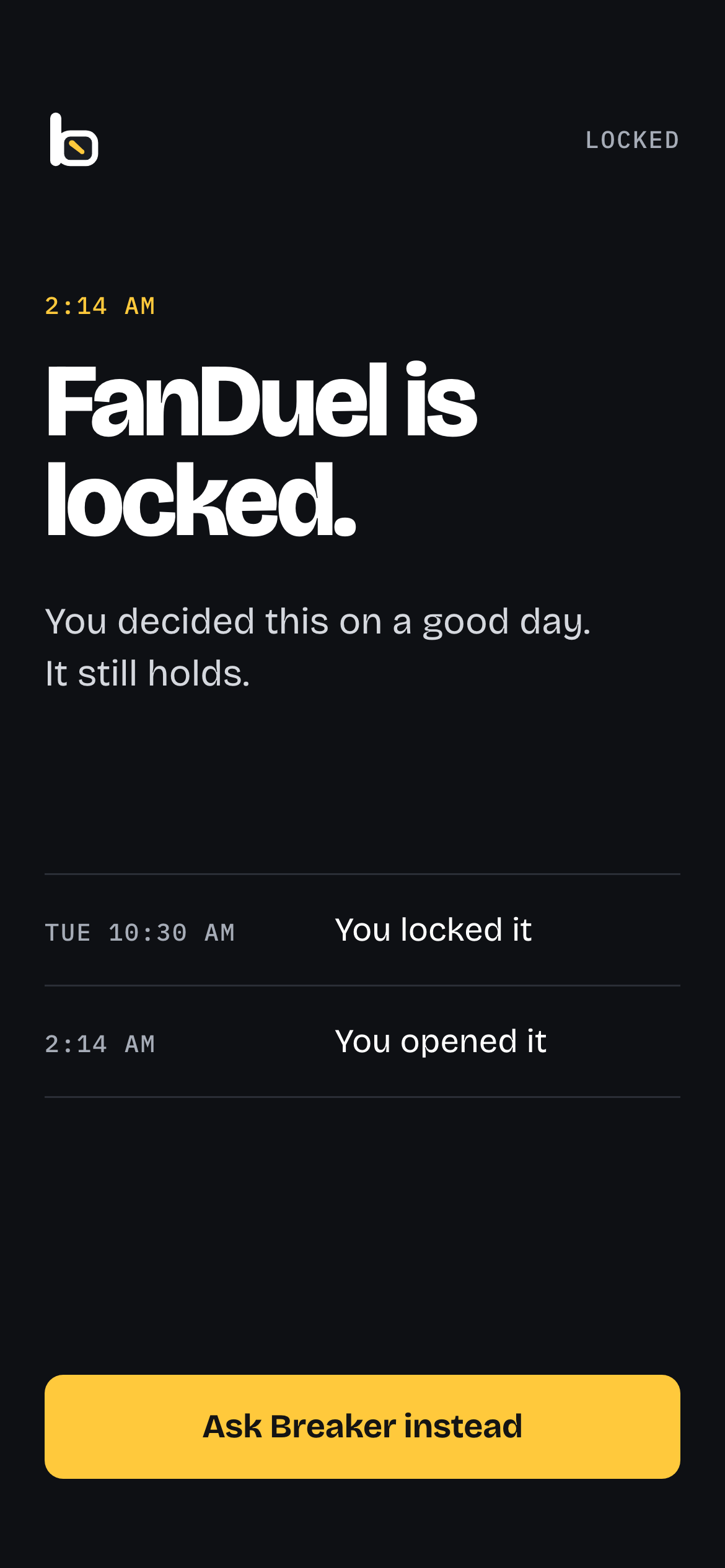
Streaks, and ask-instead-of-opening for a score, a fantasy move or a past order. Every skip counts.
Be honest about it
What this can't stop
Screen Time and Breaker both work on this phone. A second phone, another account, a bank card or a laptop is outside both, so tell the person helping you about them. Other prediction markets are one search away. See Kalshi. Breaker is not released yet. Today there is only a waitlist. See Breaker, Gamban and BetBlocker compared.
Can I block Polymarket and keep everything else?
Yes. Lock only the apps and sites you pick. Breaker is built so you choose the kinds of apps.
Is a phone block the same as closing my account?
No. It only stops the app and site opening on that phone. Anything else about your account is between you and Polymarket.
What if I use another phone or a computer?
A phone lock does not reach other devices. That is a limit of every tool like this, Breaker included.
2:14 AM
Keep Polymarket locked.
Breaker is not out yet. Add your email and we will tell you the day it opens.